Honeypot for business networks
Fyrvakt raises the alarm when someone is already inside your network
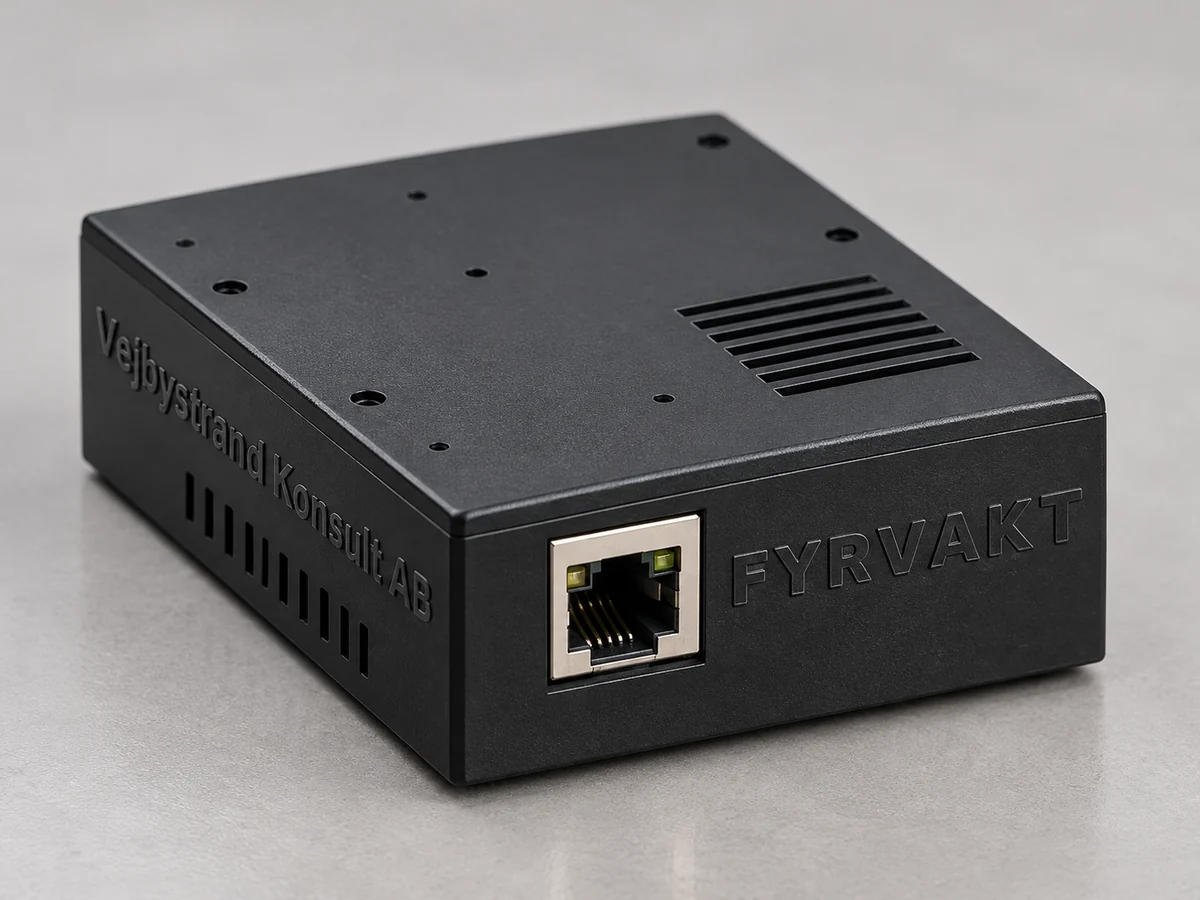
A small black box that looks like any other network device. Nobody in the company has any reason to touch it. When someone does, you get an alert on your phone within seconds.
- Alerts via ntfy, email or webhook
- Alerts and security updates with no subscription
- PoE or USB-C, up and running in ten minutes
Delivery time: two weeks from our factory in Vejbystrand
More than 10 units, or an IT partner? Ask about partner pricing.
Attackers get a long way before anyone notices
The firewall stops what comes from outside. But an attacker who is already in, through a phishing email or a hijacked login, starts by mapping the network. That is where Fyrvakt is waiting.
Sources: Mandiant M-Trends 2026, Sophos Active Adversary Report 2025.
How it works
- Plug it in. One network cable from a PoE switch is all it takes. Without PoE, an ordinary USB-C charger works.
- Scan the QR code. In our encrypted setup service you choose whether the device should look like a printer, a NAS or a router, and whether alerts go to ntfy, email or a webhook. The settings are encrypted in your browser, so only your Fyrvakt can read them.
- Get alerted when it happens. As soon as someone scans, pings or tries to log in, you learn which computer it came from, what it tried and when.
A honeypot has no everyday traffic. That is why almost every alert is genuine, and you need no security analyst to interpret it.
14:02
ntfy · now
Fyrvakt: login attempt
192.168.1.47 tried to log in as admin on OFFICE-NAS (Telnet, port 23).
ntfy · 1 min
Fyrvakt: port scan
192.168.1.47 scanned 312 ports in 4 seconds.
Example of what an alert looks like
Built for companies without a security department
Looks like real equipment
Answers on Telnet and FTP and has a web login, just like a printer, NAS or router. Anyone looking for a target finds one.
Detects reconnaissance
Port scans and ping sweeps are the first thing an attacker does inside a network. Fyrvakt raises the alarm right there.
Alerts where you want them
ntfy to your phone, email through your own mail server, or a webhook to Teams, Slack or your logging system.
Alerts come straight to you
Alerts are sent from the device to you and never pass through our cloud. Fyrvakt keeps alerting even if our services cannot be reached.
Encrypted setup
You configure the device on our website, and the settings are encrypted in your browser. We can neither read nor change them, and the device only accepts changes you have approved.
No mandatory subscription
Detection, alerts and security updates are included for the whole support period. Fyrvakt Plus is optional.
Wired, no radio
One cable from the PoE switch, or a USB-C charger if you have no PoE. No wifi that could itself become a way in.
Built in Vejbystrand
Designed and assembled in Skåne, Sweden, by an engineer with 25 years in embedded systems and lock technology.
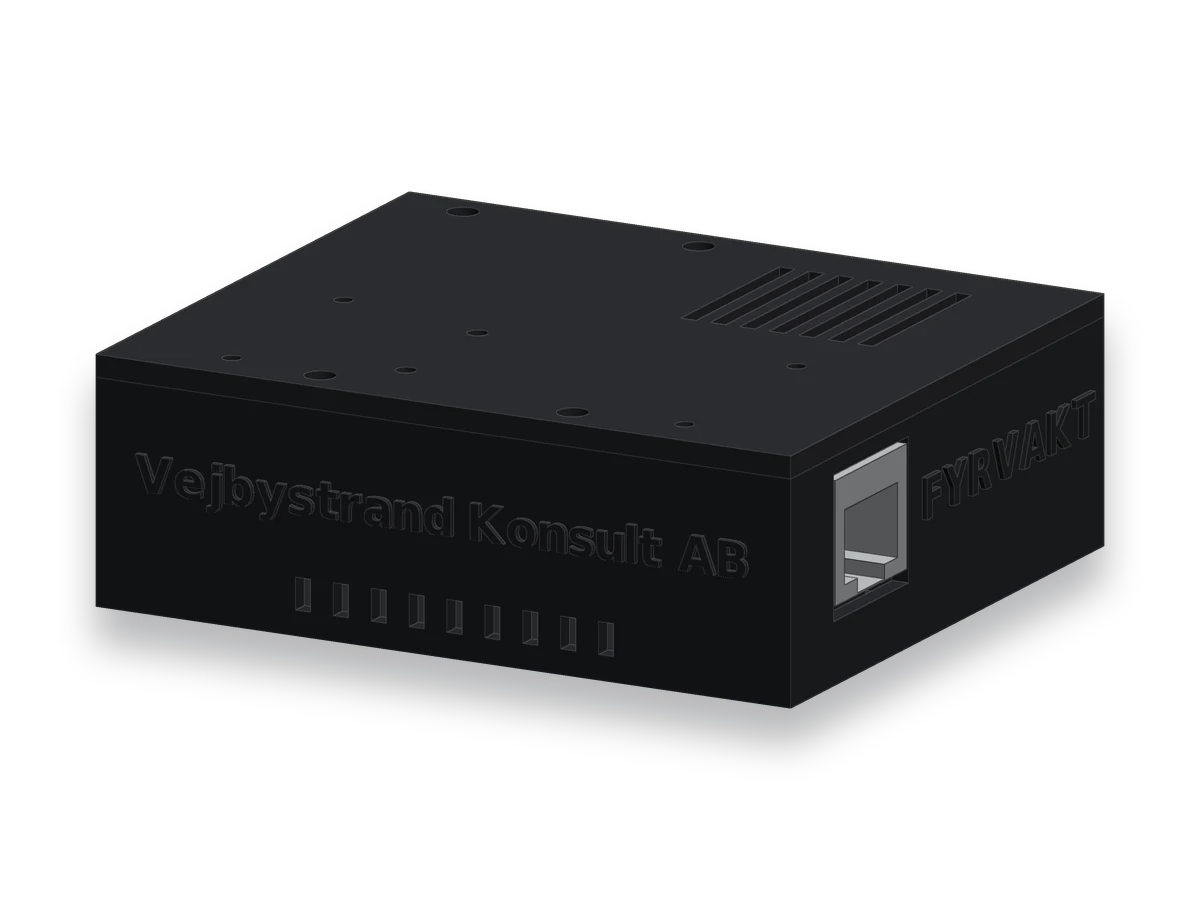
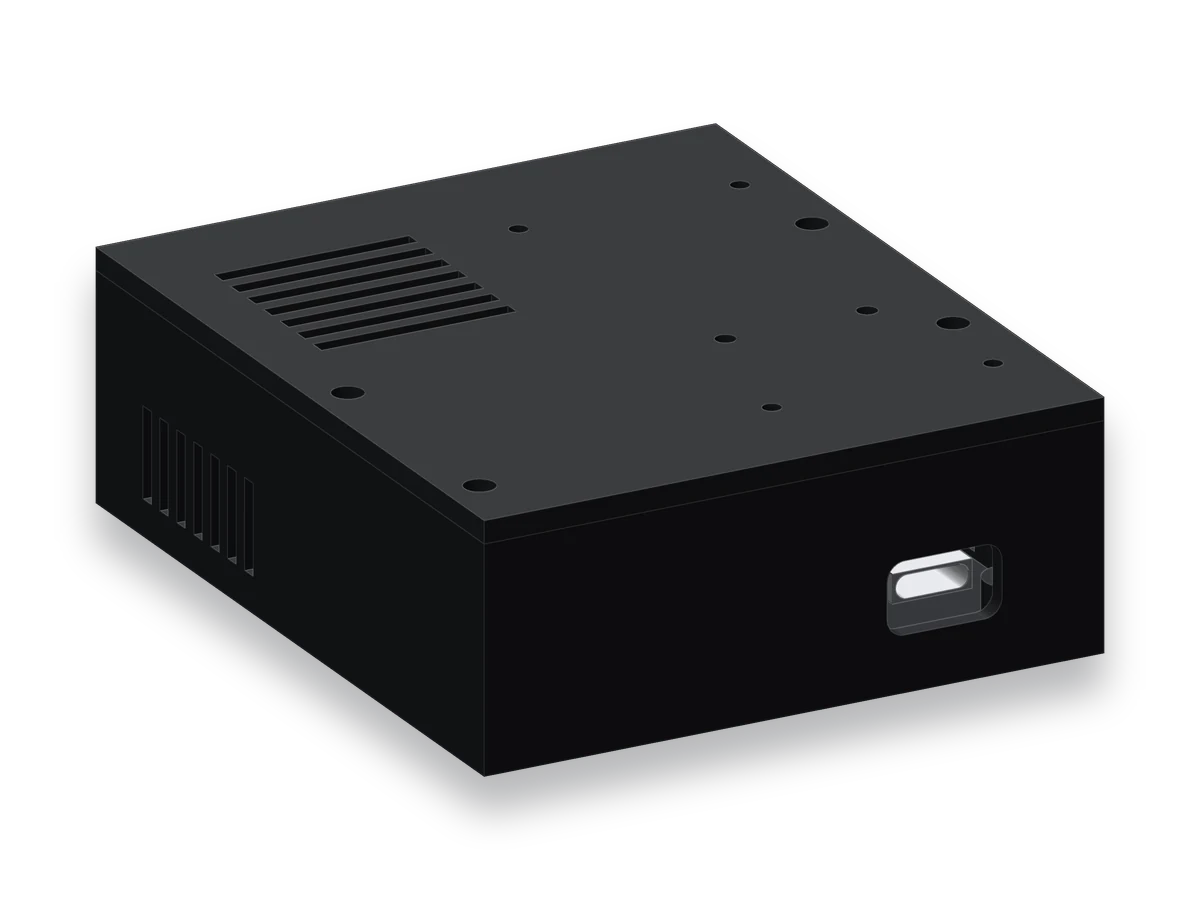
The pictures are illustrations of the product.
What is included, and what Fyrvakt Plus adds
Everything needed to detect intrusions and raise the alarm is included when you buy Fyrvakt. Fyrvakt Plus adds what requires a service outside your network. The first 12 months are included, after which Plus costs SEK 39 per month excl. VAT if you want to keep it.
| Always included | Fyrvakt Plus | |
|---|---|---|
| Detection of scans, pings and login attempts | Yes | Yes |
| Alerts straight from the device via ntfy, email, webhook or syslog | Yes | Yes |
| Security updates for the whole support period | Yes | Yes |
| Setup and settings in the encrypted setup service | Yes | Yes |
| Warning when a device goes silent, for example if someone pulls the plug | – | Yes |
| Alert history and monthly report | – | Yes |
| Overview of all your devices | – | Yes |
Plus is never charged unless you have chosen it yourself. If you stop paying, everything in the middle column keeps working, and the device never becomes unusable.
Business-grade alerts without a mandatory subscription
| Subscription services | Fyrvakt | |
|---|---|---|
| Cost per sensor over five years | SEK 37,000–119,000 | SEK 990 excl. VAT, SEK 2,862 with Plus for all five years |
| Stops working without a subscription | Yes | No |
| Alerts pass through the vendor's cloud | Yes | No, straight from the device |
| Alerts to your phone | Varies | ntfy, email or webhook |
| Supplier | Outside the Nordics | Vejbystrand, Sweden |
The price range is based on commercial honeypot services' published prices in October 2026.
Technical specification
- Dimensions
- 70 × 82.5 × 27.5 mm
- Network
- 10/100 Mbit/s Ethernet, RJ45
- Power
- PoE (IEEE 802.3af) or USB-C 5 V
- Processor
- Espressif ESP32-P4
- Radio
- None, wired network only
- Decoys
- Telnet, FTP, web login, detection of port scans and ping sweeps
- Alerts
- ntfy (your own server or ntfy.sh), email via SMTP with TLS, webhook, syslog
- Settings
- Encrypted setup service on our website, via the QR code on the device. Local emergency admin as a fallback.
- Mounting
- On a desk or wall, two keyhole slots in the base
- Enclosure
- Black with embossed name, made in Vejbystrand
- In the box
- Fyrvakt and a quick start guide. Network cable and charger not included.
Do you sell IT to small businesses?
Fyrvakt fits well into your security offering. We have partner pricing for IT consultants and MSPs, and are happy to help with the first installations.
Ask about partner pricingFrequently Asked Questions
What is a honeypot?
A device that exists only to attract attackers. It does nothing useful in the network, so nobody has a reason to connect to it. Anyone who does is either an attacker or malware looking for its next target.
Do we need an IT department to use Fyrvakt?
No. You plug it in, scan the QR code, choose a disguise and tell it where alerts should go. It takes about ten minutes.
Is our data sent to you?
Alerts go straight from the device to your ntfy topic, your email or your webhook and never pass through our cloud. The settings are stored encrypted in the setup service, and only your Fyrvakt can read them. If you have Fyrvakt Plus, a copy of the alerts is stored in the EU for history and reports.
Why do you configure Fyrvakt on your website rather than on the device?
A device in your network cannot get a certificate that the browser trusts, so a login page on the device would show security warnings. The setup service has an ordinary certificate, and the settings are encrypted in your browser before they are sent, so we can neither read nor change them.
What does Fyrvakt Plus cost, and what happens if we stop paying?
The first 12 months are included. After that Plus costs SEK 39 per month excl. VAT per device if you want to keep it, and it is never charged unless you have chosen it. If you stop paying, only Plus is switched off. Detection, alerts, security updates and the setup service keep working.
What happens if your company stops existing?
The device keeps detecting and alerting with its latest settings. The settings can then be changed in the device's local emergency admin, which you open with a paper clip through the hole in the lid.
Can we get false alarms?
Only if something in the network actually connects to the device, such as a network scanner you run yourselves. Such computers can be excluded in the settings.
Does Fyrvakt replace our firewall or antivirus?
No, it complements them. The firewall and antivirus try to stop attacks. Fyrvakt tells you when someone has got in anyway.
How long is the delivery time?
two weeks from our factory in Vejbystrand. We currently deliver within Sweden only, with PostNord.
What guarantees apply?
Consumers have a 14-day right of withdrawal and a three-year right to complain about defects. Businesses get a one-year warranty. See our terms of sale.
Find out before it is too late
SEK 990 excl. VAT. Delivery time two weeks from Vejbystrand.
Order Fyrvakt